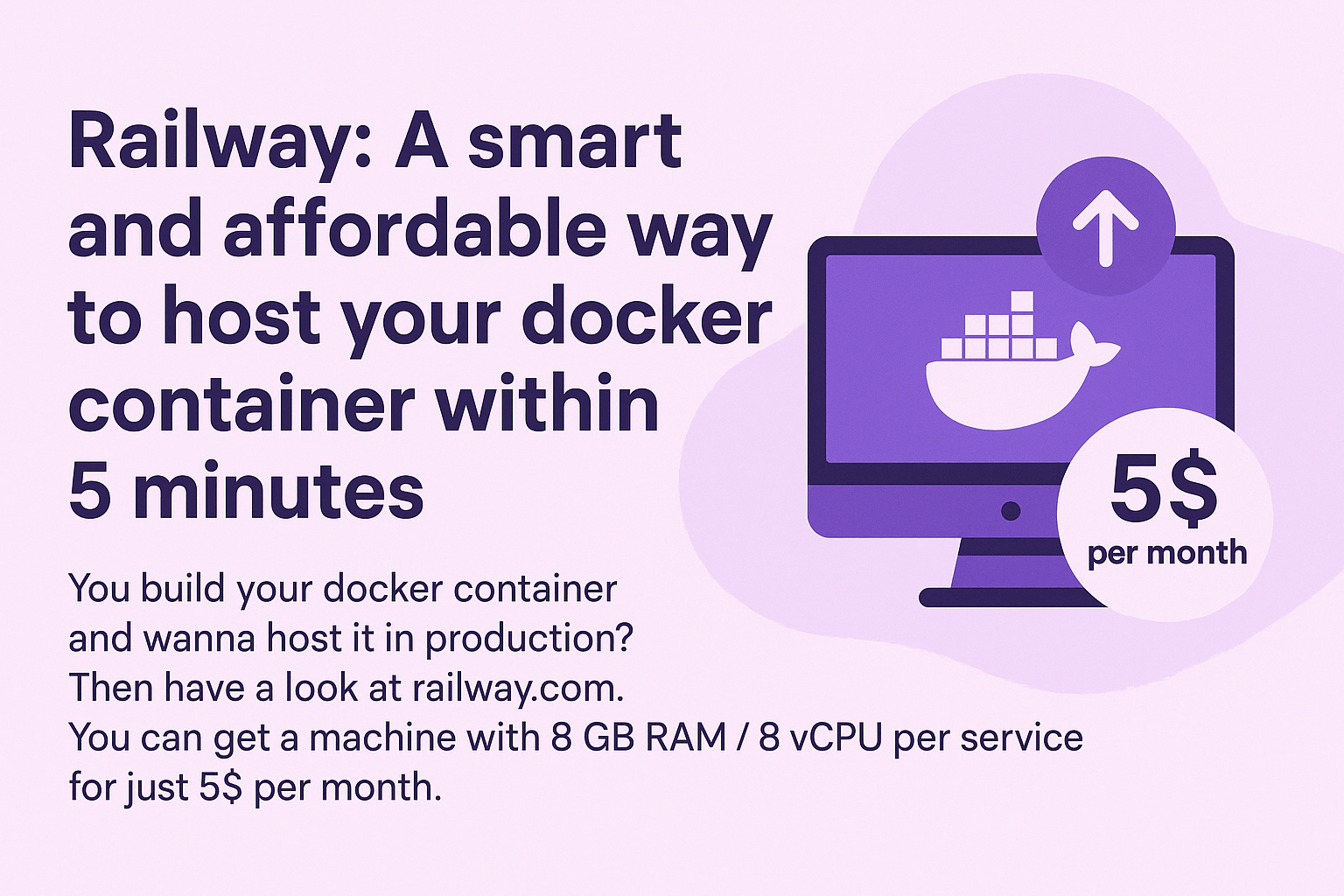
Host Your Docker Container on Railway in 5 Minutes (8GB RAM for $5)
I needed 4GB+ RAM to self-host Crawl4AI for GoSpendl. Here's why Railway beat every alternative I looked at, and how I had it running in under 5 minutes with zero config.

Niklas Grieger
The problem
I'm building GoSpendl — a product search platform for the Bitcoin community. One core part of the stack is Crawl4AI, an open-source AI-powered crawler I self-host to extract product data from hundreds of shops. (More on how I use it here)
The official Crawl4AI Docker image needs at least 4GB RAM — it runs a full Chromium browser under the hood. My existing VPS on Namecheap has only 4GB total, which leaves nothing for anything else. Upgrading it costs $107/year and I'd still be managing the server myself.
I needed something cheap, RAM-generous, and zero-ops for what is still an experimental project.
Why not just use a VPS?
I looked at the obvious options:
| Option | RAM | Cost | Ops overhead |
|---|---|---|---|
| Namecheap VPS upgrade | 4GB | ~$107/year | Manual setup + maintenance |
| DigitalOcean Basic Droplet | 4GB | $24/month ($288/year) | Manual setup + maintenance |
| Railway Hobby Plan | 8GB | $5/month ($60/year) | Zero |
DigitalOcean would have worked technically, but at $24/month for 4GB it's hard to justify for a side project — and I'd still need to configure the server, handle updates, and manage uptime myself.
Railway
Railway is a deployment platform that takes a Docker image and runs it — no server config, no SSH, no maintenance. You point it at an image, set your environment variables, and it's live.
For Crawl4AI specifically, the setup was:
- Create a new Railway project
- Add a service → select "Docker Image"
- Enter
unclecode/crawl4ai(the official image) - Deploy
That's it. No railway.json, no custom Dockerfile, no environment variables needed for the base image. It was running in under 5 minutes.
The Hobby Plan gives you 8GB RAM and 8 vCPU per service for $5/month, with a 30-day free trial. For a RAM-hungry workload like Crawl4AI, that headroom matters.
What you get
Railway's dashboard gives you real-time resource monitoring and logging out of the box — no setup required:
The logging is especially useful for Crawl4AI since you can watch crawl jobs come in and see exactly what's happening without connecting to a server.
When Railway makes sense
Railway is a great fit when:
- You have a Docker image you want running without managing infrastructure
- Your project is experimental or early-stage and you want to minimize ops overhead
- You need more RAM than cheap VPS tiers offer without paying enterprise prices
It's probably not the right call if you need fine-grained server control, custom networking, or are running something at serious production scale. But for self-hosting something like Crawl4AI as part of a side project, it's hard to beat.
This post contains a referral link to Railway. Using it costs you nothing extra.
Nuxt 4 WebSockets Are Elegant. Here's Why They Break on Vercel.
A first-hand debugging story — Nuxt 4's native WebSocket API is the cleanest I've seen in a full-stack framework, but the Nitro Vercel preset never implements the upgrade handshake. Vercel supports WebSockets fine; Nuxt's adapter for it just doesn't exist yet.
Storyblok as a WordPress Alternative: One Client Build
A booking site for a family-course studio, built in about two months. What went into Storyblok, what stayed in Postgres, and why the client maintains her own content without calling me.